Is a CRM better than Excel for managing leads?
For a handful of leads handled by one person, a spreadsheet works. Once leads arrive from several channels and more than one person follows up, a CRM is better because it captures leads automatically, reminds you to follow up and shows who owns each lead.
Can I use Excel as a CRM?
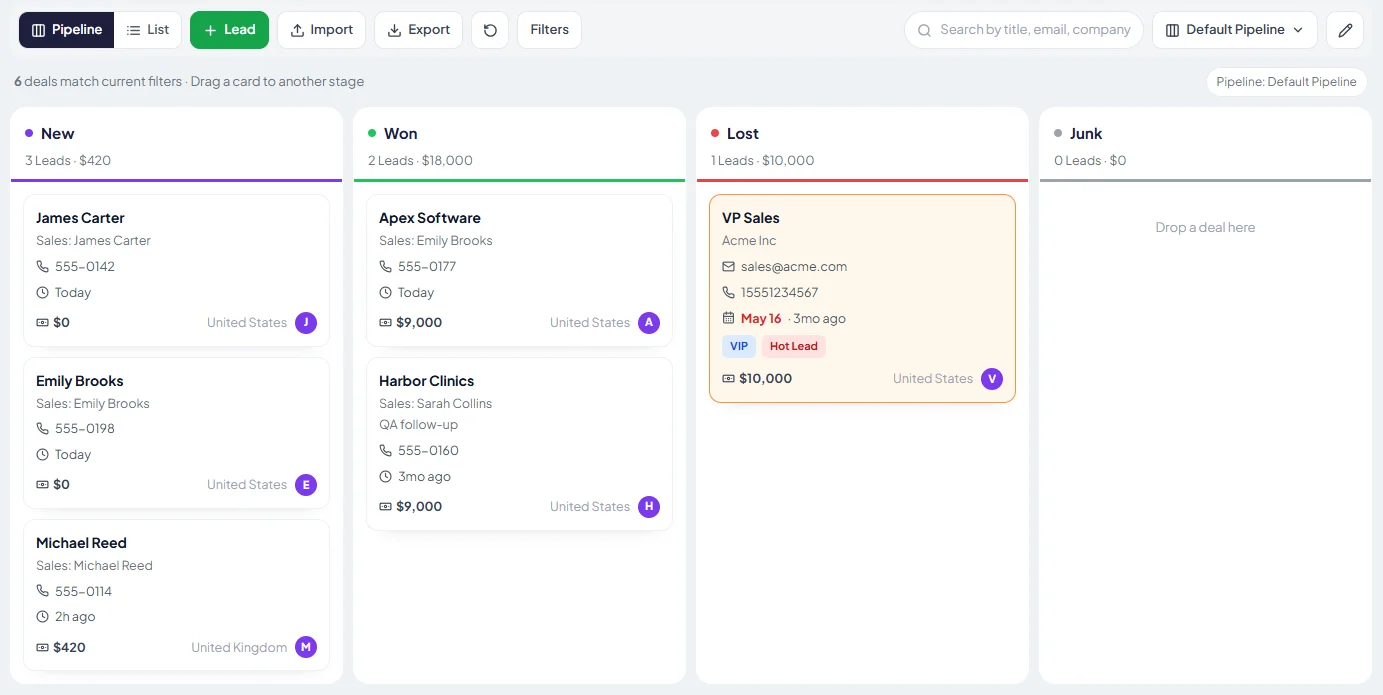
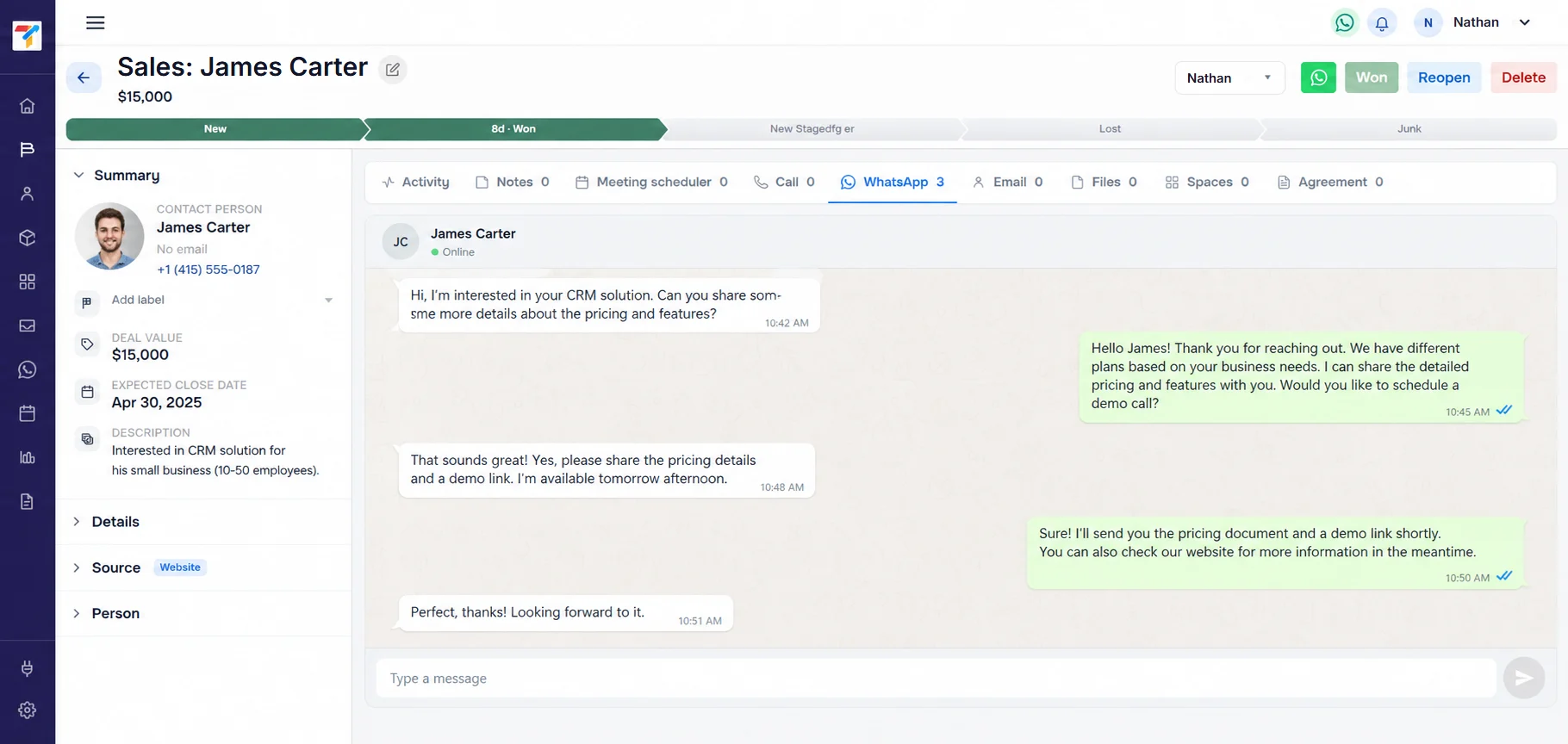
You can keep a basic lead list in Excel, and many small businesses start that way. What you miss are automatic lead capture, follow-up reminders, WhatsApp history on each lead and a live pipeline view, which is why most growing teams move to a CRM.
When should a small business switch from Excel to a CRM?
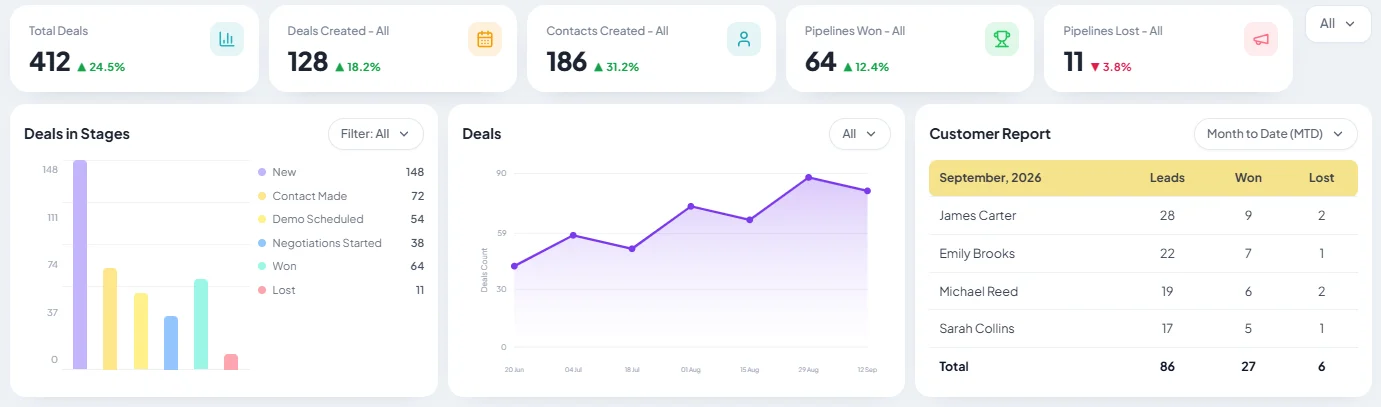
Switch when leads start slipping: follow-ups are missed, two people call the same lead, enquiries from ads or portals are copied in by hand, or nobody can say how many deals are open without building a report.
Can I import my Excel sheet into TracktCRM?
Yes. Clean up your sheet so each row is one lead with the same columns, save it as a CSV file, then use the Import button on the pipeline view. You can download an import template there to match the columns. On paid plans our team helps you map your columns and move your data.
Is there a free CRM I can use instead of Excel?
Yes. TracktCRM has a Free plan for 1 user with a single pipeline, unlimited records, 3 automations and WhatsApp integration. No credit card is needed.
Can I keep using Google Sheets with TracktCRM?
Yes. The Pro plan and above include a Google Sheets integration, so you can keep a sheet in step with your CRM for reports or for people who still work in spreadsheets.
Does a CRM replace Excel completely?
Not always. Many teams keep Excel for one-off analysis, budgets and custom models, and use a CRM for day-to-day lead capture, follow-up and pipeline tracking.